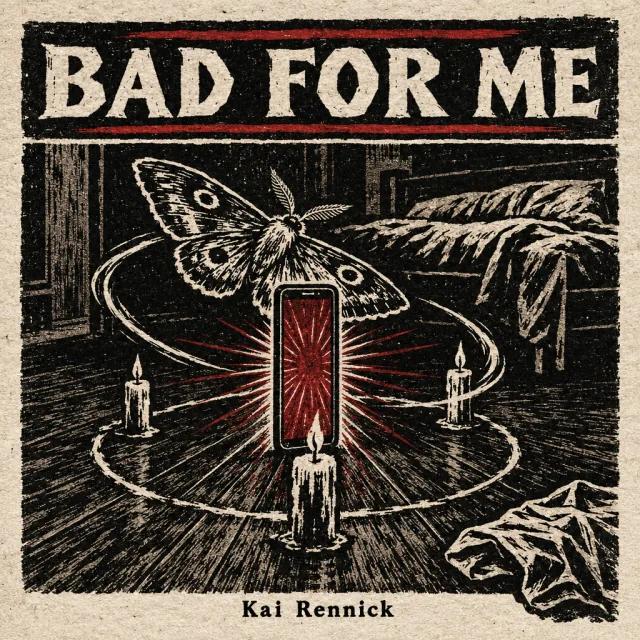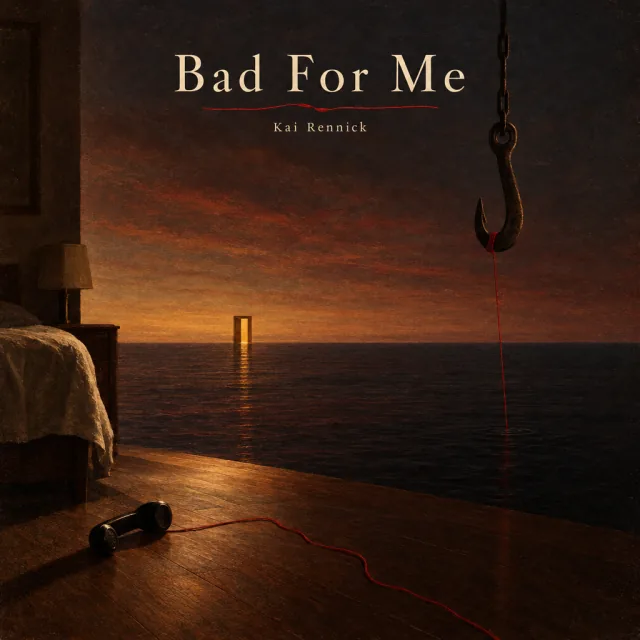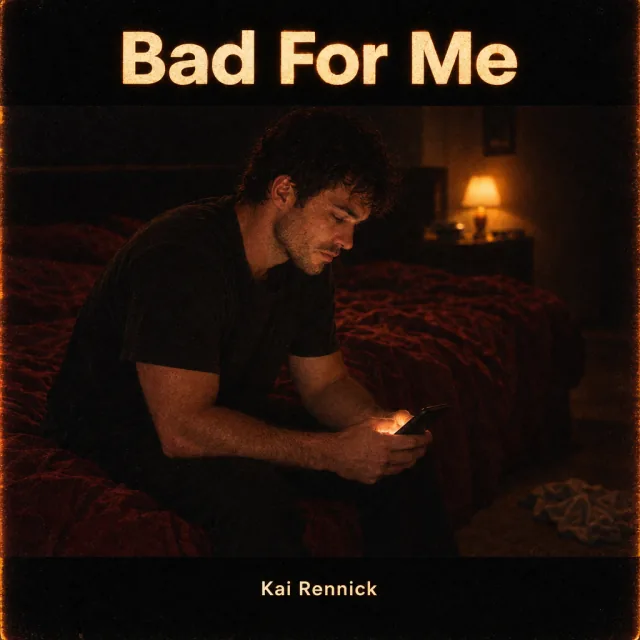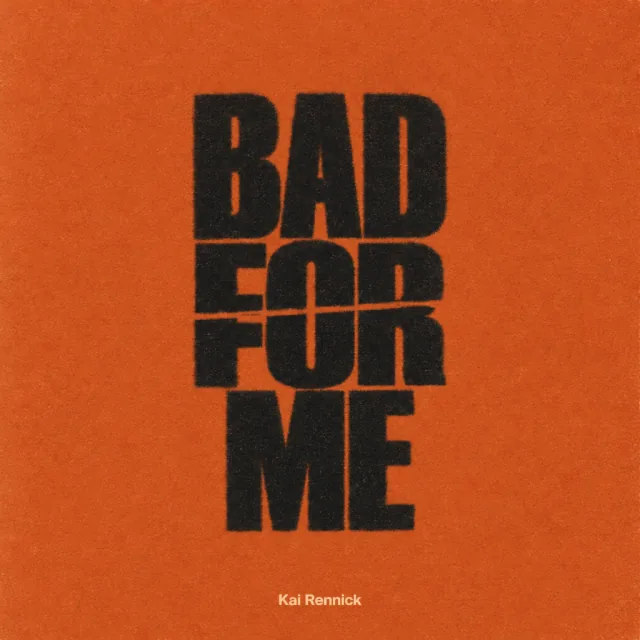
Album Cover Size for Spotify, Apple Music, and Distributors (2026)
Album cover size for 2026: make it square, 4000 x 4000 pixels, JPG or PNG in RGB. Spotify, Apple Music, and DistroKid specs, and why covers get rejected.
November 19, 2026·Updated October 27, 2026·3 min read
Quick answer
Make your cover a perfect square at 4000 x 4000 pixels, saved as a high-quality JPG or PNG in RGB (sRGB). That meets Apple Music's current minimum of 4000 x 4000, Spotify's range of 640 to 10,000 pixels, and DistroKid's 1000 x 1000 minimum. Covers are most often rejected for website addresses, social handles, logos, prices, dates, barcodes, blurry or tilted images, text other than the artist name and title, images you do not have rights to, and art that misleads listeners. If you used AI for the artwork, tell your distributor when it asks: Apple's Transparency Tags include artwork.
Make your cover a perfect square at 4000 x 4000 pixels, saved as a high-quality JPG or PNG in RGB. That one file meets the current requirements of Apple Music, Spotify, and the major distributors, so you never have to resize it for a single store.
Below are the official specs for each platform and the most common reasons covers get rejected.
Checked October 27, 2026 against Apple Music for Artists, Spotify for Artists, and DistroKid. Your distributor's upload form is the final word for your release.
Album cover size by platform
Platform | Size | Format | Notes |
|---|---|---|---|
Apple Music | At least 4000 x 4000 px, perfect square | JPG, PNG, or GIF | Older Apple provider docs recommended 3000 x 3000 |
Spotify | 640 to 10,000 px, 1:1 | TIFF, PNG, or JPG, lossless encoding | sRGB, 24 bits per pixel; do not upscale |
DistroKid | Minimum 1000 x 1000 px; ideally 3000 x 3000 | JPG | RGB; smaller or non-square art may be auto-adjusted |
Safe choice for all | 4000 x 4000 px, square | High-quality JPG or PNG | RGB (sRGB), no transparency |
Spotify asks you not to upscale images (Spotify), so start from the highest-resolution source you have rather than enlarging a small file. Print-style CMYK files are a common cause of upload errors; convert to RGB before you export.
Why album covers get rejected
Apple and DistroKid list the most common problems (Apple, DistroKid):
Contact and promo details: website addresses, social handles, email addresses, QR codes.
Logos and brands: streaming or social media logos, brands, advertising, or references to Apple Music's competitors.
Sales details: prices, barcodes, or references to formats and retailers, such as vinyl or CD.
Dates: Apple does not allow a year or date on the cover.
Text that does not match: only the artist name and release title, exactly as released.
Image quality: blurry, pixelated, tilted, rotated, or cropped images, unless clearly intentional.
Rights: images from other copyright holders without written permission, or unlicensed stock photos.
Misleading art: showing or referencing an artist who does not perform on the release.
Explicit content: pornographic imagery, or a parental advisory logo on a release that is not explicit.
Duplicates: DistroKid may reject art that duplicates another release.
Make it readable as a thumbnail
Most people first see your cover at a size smaller than a postage stamp, in a playlist or search result. Before you finish:
Shrink it to about 64 x 64 pixels and check that the main shape and your name still read.
Use one clear focal point instead of several small details.
Keep strong contrast between any text and the background.
Keep the same visual identity across a single, its EP, and its social posts so listeners recognize the release.
AI-generated cover art
AI tools are now a common way to make covers. Two things to know:
Disclosure. Apple Music's Transparency Tags, reported in March 2026, cover artwork as well as tracks, compositions, and music videos, and labels and distributors submit them at delivery (Digital Music News). If your distributor asks whether AI was used for the artwork, answer honestly. For promoting AI-assisted releases, see how to promote AI music.
Rights and quality. Make sure the tool's terms let you use the image commercially, avoid real people's likeness and existing characters, and check the final file at full size for artifacts before you upload.
Where Amplyfy helps
In an Amplyfy release workspace, Amp makes cover concepts from your song and letters the title in, in the release's look. Your first release includes a set of three concepts for free. Before uploading, check the final file against your distributor's form and Apple's size requirement above.
The bottom line
Export a square 4000 x 4000 RGB file, keep the cover to your name and title, test it as a thumbnail, and leave out anything promotional. Do it a few weeks before release so there is time to fix a rejection; see how to release a song and the music release checklist for the timeline.
Build your music career on Amplyfy
Get discovered, promote your releases, and manage everything in one place — free to start.
Create your free profileFrequently asked questions
What size should album cover art be?
A perfect square of 4000 x 4000 pixels, as a high-quality JPG or PNG in RGB. That meets Apple Music's current minimum and sits comfortably inside Spotify's and most distributors' requirements.
What is the Apple Music cover art size?
Apple Music for Artists asks for a perfect square of at least 4000 x 4000 pixels in JPG, PNG, or GIF format. Older Apple provider documentation recommended 3000 x 3000, so use 4000 x 4000 to be safe.
What is the Spotify cover art size?
Spotify asks for a 1:1 square between 640 and 10,000 pixels wide and tall, in TIFF, PNG, or JPG with lossless encoding and sRGB color. It also asks you not to upscale images.
Can album covers have text?
Yes, but only the artist name and the release title. Apple does not allow social handles, website addresses, logos, prices, dates, barcodes, or references to formats such as vinyl or CD.
Why was my album cover rejected?
Common reasons are a website address or social handle, a QR code or streaming logo, a price, a blurry or pixelated image, text that does not match the release, an image you do not have rights to, or art that is not square or is too small.
Do I need to disclose AI-generated cover art?
Apple Music's Transparency Tags, introduced in 2026, cover artwork as well as the music, and labels and distributors submit them at delivery. If your distributor asks whether AI was used for the artwork, answer honestly.